Field Service Engineer Scheduling Software UK: Free vs Paid Options Compared
Field service engineer scheduling software helps UK contractors assign jobs, manage availability, track engineers and keep customers updated. This guide compares free scheduling tools, spreadsheets and paid field service platforms, including their features, limitations, costs and suitability for growing teams.
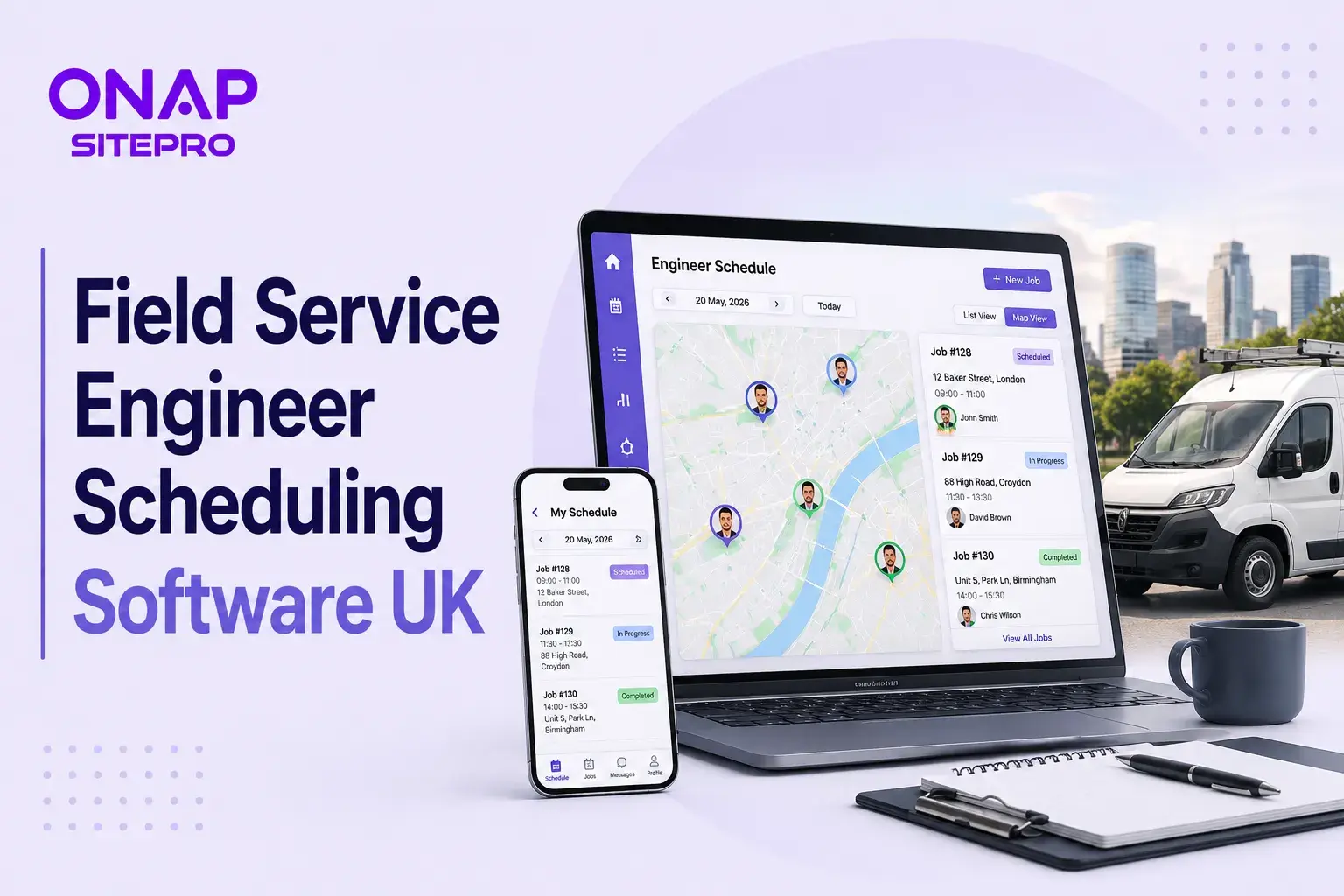
Table of Contents
- Free vs Paid Field Service Scheduling Software
- What Do Paid Field Service Platforms Add?
- Free Field Service Software Options Worth Considering
- How Much Does Field Service Scheduling Software Cost in the UK?
- Features That Matter Most for Engineer Scheduling
- UK Compliance and Field Service Software
- How to Choose Between Free and Paid Scheduling Software
- Common Mistakes When Buying Scheduling Software
- Frequently Asked Questions
- What is the best free field service scheduling software in the UK?
- Is free field service software good enough for a small business?
- How much does field service scheduling software cost in the UK?
- Can field service software manage recurring maintenance jobs?
- Should a sole trader pay for field service management software?
- Does field service scheduling software replace accounting software?
Field service engineer scheduling software helps UK businesses plan jobs, assign engineers, manage availability and keep customer information in one place. Free options can work for sole traders and small teams with simple schedules, while paid platforms become more useful when businesses need work orders, recurring jobs, mobile access, quoting, invoicing and more advanced dispatch. The difference becomes noticeable when a business starts managing several engineers at once. A plumbing company with eight engineers, for example, may need to coordinate emergency call-outs, planned maintenance, travel time, engineer skills and customer appointment windows across the same working day.
A good scheduling platform brings those decisions into one system. The better options also connect scheduling with customer records, work orders, quotations, contracts, invoicing and mobile updates. There are plenty of free and paid field service management products available to UK businesses. Capterra's UK directory lists more than 100 products in its field service management category, giving smaller businesses a wide range of options to assess.
Free vs Paid Field Service Scheduling Software
Free scheduling software can be a sensible starting point when the operation is small, job volumes are low and one person can manage the diary. Paid field service software costs more, but it generally combines scheduling with other operational functions such as work orders, mobile access, invoicing, contracts and reporting. The real question is not whether free software is available. It is whether the free option can handle your current workload without creating more administration elsewhere. A sole electrician completing 15 straightforward jobs a month has different requirements from a facilities management company coordinating 25 engineers across hundreds of customer sites.
What Do Paid Field Service Platforms Add?
Paid field service scheduling software becomes more valuable when scheduling is only one part of the operational problem. A growing HVAC company, for example, may need to schedule planned maintenance, assign engineers based on qualifications, keep records for individual customer sites, manage contracts, record parts used and create an invoice after the job is completed. Keeping those processes in separate spreadsheets, emails and accounting systems creates repeated data entry. It also makes it harder for office staff to see what is happening in the field. A connected platform can bring the workflow together. SitePro's field service management features include job management, scheduling, quotations, contracts, customer management and invoicing. The strongest reason to pay for field service software is therefore not a better-looking calendar. It is reducing the amount of manual administration surrounding every job.
Free Field Service Software Options Worth Considering
Not every free solution works in the same way. Some are basic scheduling tools, while others offer a limited version of a full field service management platform.
Free FSM Plans
A genuine free FSM plan can be useful because it may include more than a calendar. Depending on the provider, you may get customers, work orders, scheduling, mobile access and basic invoicing. Zoho FSM's free plan, for example, includes up to 20 users and 30 appointments per month. It also includes work orders, scheduling, invoicing and mobile functionality. This type of software can suit a small cleaning company, independent maintenance contractor or early-stage electrical business that wants to move away from spreadsheets. The main issue is volume. A free plan that works for 25 jobs a month can become restrictive when the business reaches 100 or 200 jobs.
Spreadsheets and Shared Calendars
Excel, Google Sheets and shared calendars remain popular among smaller contractors because they are inexpensive and familiar. They can work when one person controls the schedule. Problems appear when multiple people need to make changes or when scheduling decisions become more complicated. A spreadsheet will not automatically recognise that an engineer is on annual leave, lacks the required qualification for a particular job or is already working 40 miles away. For a small operation, manual scheduling may still be perfectly reasonable. Once dispatch becomes a daily coordination exercise, dedicated software starts to make more sense.
Free Trials
A free trial should not be confused with free software. A free plan normally continues without payment within specified limits. A free trial gives you temporary access to a paid product so you can test its features before subscribing. That distinction matters when comparing providers. A 14-day trial can show whether the software works for your team, but it does not tell you whether the long-term subscription represents good value. Use a trial with real jobs rather than sample data. Import a few customer records, create actual job types and ask engineers to test the mobile experience.
How Much Does Field Service Scheduling Software Cost in the UK?
UK field service scheduling software does not have one standard price. Vendors use different pricing models, including per-user pricing, per-engineer pricing, appointment-based pricing and fixed monthly packages.
For example, ONAP SitePro's published pricing starts at £99 per month plus tax for up to five engineers. Its Growth plan is £249 per month plus tax for up to 20 engineers, while the Scale plan is £499 per month plus tax for unlimited engineers. The pricing model matters because the cheapest headline price is not always the cheapest option for your business. Another provider may charge based on appointments rather than engineers. Zoho FSM, for example, structures its plans around service appointment volumes.
Before comparing prices, calculate:
- Number of engineers
- Number of office users
- Average monthly jobs
- Busiest monthly job volume
- Recurring maintenance visits
- Required integrations
- Mobile access requirements
- Reporting requirements
- Additional implementation costs
- Data migration requirements
A £99 monthly subscription costs £1,188 across a year before tax. Compare that annual figure with the amount of administration the system could remove. You can review SitePro's field service pricing when comparing plans against your current team size and workload.
Features That Matter Most for Engineer Scheduling
A calendar alone is rarely enough for a busy field service business. The surrounding workflow determines whether scheduling software genuinely saves time.
Engineer Availability and Skills
The software should show who is available and, where relevant, which engineers have the right skills or certifications for the work. This matters for electrical inspections, gas work, fire safety and specialist maintenance. Sending the wrong engineer can result in a wasted appointment and another visit.
Work Order Management
Scheduling should connect directly to the work order. Engineers may need access to customer information, job instructions, previous service history, photographs, notes, asset details and documents while working at the site.
Mobile Access
Mobile access allows engineers to view jobs, update statuses, record notes and submit job information from the field. This reduces the need for engineers to return to the office to complete paperwork and gives office staff a more current view of job progress.
Route Planning
Travel time can have a major impact on engineer productivity. Consider a Manchester-based maintenance company with six engineers. If three engineers are travelling across different parts of Greater Manchester for separate jobs, poor scheduling can create unnecessary mileage and reduce the number of appointments completed each day. Route planning can help dispatchers group work geographically and avoid avoidable travel.
Contracts and Recurring Jobs
A facilities management company may have hundreds of scheduled inspections linked to customer contracts, service intervals and site requirements. Those visits need to be tracked consistently rather than recreated manually every month.
Quoting and Invoicing
For example, an engineer can complete a repair, record the work carried out and pass the completed information into the office workflow. The office team can then review the job and issue the relevant invoice without reconstructing the job from emails and handwritten notes.
For businesses in specialist trades, SitePro's electrical contractor software provides a more specific example of how field service software can support trade-based workflows.
UK Compliance and Field Service Software
Field service software does not make a business compliant by itself, but accurate digital records can make compliance administration easier. This is increasingly relevant as UK businesses move towards greater digital record keeping.
HMRC's Making Tax Digital for Income Tax rules started applying from 6 April 2026 to sole traders and landlords with qualifying income above £50,000. The threshold is scheduled to reduce to £30,000 from April 2027 and £20,000 from April 2028. VAT-registered businesses already have digital record-keeping and Making Tax Digital requirements, subject to applicable exemptions.
Field service software should not be treated as accounting software. Check how the scheduling platform connects with your accounting system and whether the combined setup supports your record-keeping requirements. For businesses managing building maintenance or facilities work, SitePro's facilities management software is another relevant area to consider when assessing job records and recurring maintenance workflows.
How to Choose Between Free and Paid Scheduling Software
Calculate the number of jobs completed during an average month and during your busiest month. Then count the people who need access to the system, including office staff and engineers.
Next, list everything your team currently manages outside the scheduling system:
- Customer records
- Engineer availability
- Job scheduling
- Quotations
- Work orders
- Service reports
- Job photographs
- Recurring maintenance
- Contracts
- Invoicing
- Compliance records
- Customer communications
If scheduling is the only process causing problems, a basic tool may be enough. If several of these processes are disconnected, a dedicated field service platform is more likely to deliver meaningful value. For a growing UK contractor, SitePro's field service management platform provides a central system for scheduling, work orders, customer management, quotations and invoicing.
Common Mistakes When Buying Scheduling Software
A good scheduling interface is useful, but the real test is what happens before and after the appointment. If the team still has to use separate systems for customer records, work orders, quotations and invoices, much of the administrative problem remains. Another mistake is ignoring the engineer's experience. Software may look excellent on a desktop but be frustrating on a phone. Ask engineers to test the mobile app during the buying process.
Data migration is another consideration. A business with five years of customer records should ask how those records will be transferred before signing a contract. Integration is also easy to overlook. Check whether the software connects with the accounting, CRM and other systems already used by the business. Finally, do not buy based entirely on future growth. A five-engineer contractor does not necessarily need an enterprise platform on day one. Choose software that fits the current operation and has enough capacity for realistic growth.
Frequently Asked Questions
What is the best free field service scheduling software in the UK?
The best free field service scheduling software depends on job volume, team size and required features. Zoho FSM's free edition supports up to 20 users and 30 appointments per month, with features including work orders, scheduling, invoicing and mobile access. It can suit a small operation, but businesses exceeding its free limits should compare its paid plans with other UK field service platforms.
Is free field service software good enough for a small business?
Yes, free field service software can be enough for a small business with a limited number of jobs and straightforward scheduling requirements. It becomes less suitable when a company needs advanced dispatching, recurring maintenance, detailed reporting, route planning or larger appointment volumes. Test the software against your busiest month before deciding that a free plan will meet your long-term requirements.
How much does field service scheduling software cost in the UK?
The cost varies because providers use different pricing models. Some charge per engineer, some per user and others according to appointment volume. ONAP SitePro currently publishes plans starting at £99 per month plus tax for up to five engineers. Businesses should compare the annual subscription, user limits, job limits, included features and any additional implementation or integration charges.
Can field service software manage recurring maintenance jobs?
Yes, many field service management platforms support recurring or planned maintenance jobs. This is particularly useful for HVAC, electrical, plumbing, fire safety and facilities management businesses. Before choosing software, check whether recurring jobs connect with customer records, contracts, assets, engineer schedules and invoicing. A recurring-job feature is much more useful when it forms part of the wider service workflow.
Should a sole trader pay for field service management software?
A sole trader should pay for field service management software when the time saved on administration justifies the subscription. A small number of simple appointments can usually be handled with free tools. Businesses managing recurring maintenance, quotations, customer histories, job photographs and several daily appointments may gain more from paid software because it brings those activities into one system.
Does field service scheduling software replace accounting software?
Usually, no. Field service software can support quotations, invoices and payment information, but it should not automatically be treated as a replacement for dedicated accounting software. UK businesses should check how the chosen platform connects with their accounting system and supports digital record keeping. This is particularly relevant for businesses affected by Making Tax Digital requirements.
Explore More Blogs
Discover more expert insights, software guides, and industry best practices to help your business grow with ONAP.

How to Launch a Branded Restaurant App Without a Developer (UK Guide 2026)
Launching a branded restaurant app no longer requires an in-house development team. This 2026 UK guide explains how restaurant owners can choose a no-code or managed app platform, connect ordering and payments, build loyalty features, publish the app, and avoid the common mistakes that make app projects expensive.

Café vs Cloud Kitchen vs Dark Kitchen: Which Model Works Best for UK Food Businesses
Cafés, cloud kitchens and dark kitchens each suit different UK food businesses. This guide compares premises, staffing, startup costs, delivery economics, customer acquisition, technology, VAT and growth potential, helping operators choose the model that fits their menu, target market and available capital.
Plumbing Business Software UK: What Features Actually Matter in 2026
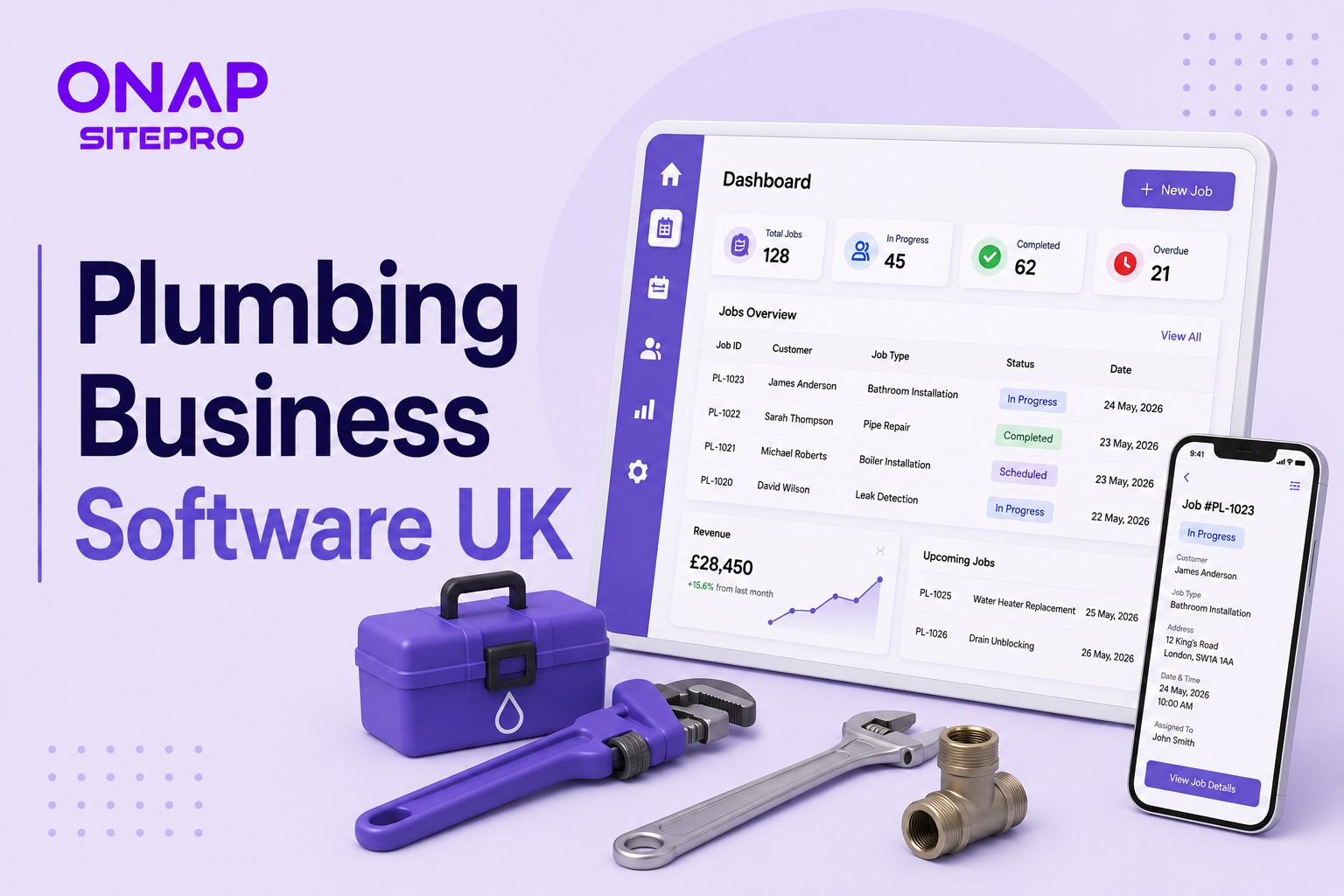
Choosing plumbing business software in the UK is less about having the longest feature list and more about controlling jobs, engineers, quotes, invoices and compliance from one place. This 2026 guide explains which features genuinely matter, what to avoid paying for, how integrations affect day-to-day work, and how to assess software before committing your business to a new system.