How to Launch a Branded Restaurant App Without a Developer (UK Guide 2026)
Launching a branded restaurant app no longer requires an in-house development team. This 2026 UK guide explains how restaurant owners can choose a no-code or managed app platform, connect ordering and payments, build loyalty features, publish the app, and avoid the common mistakes that make app projects expensive.
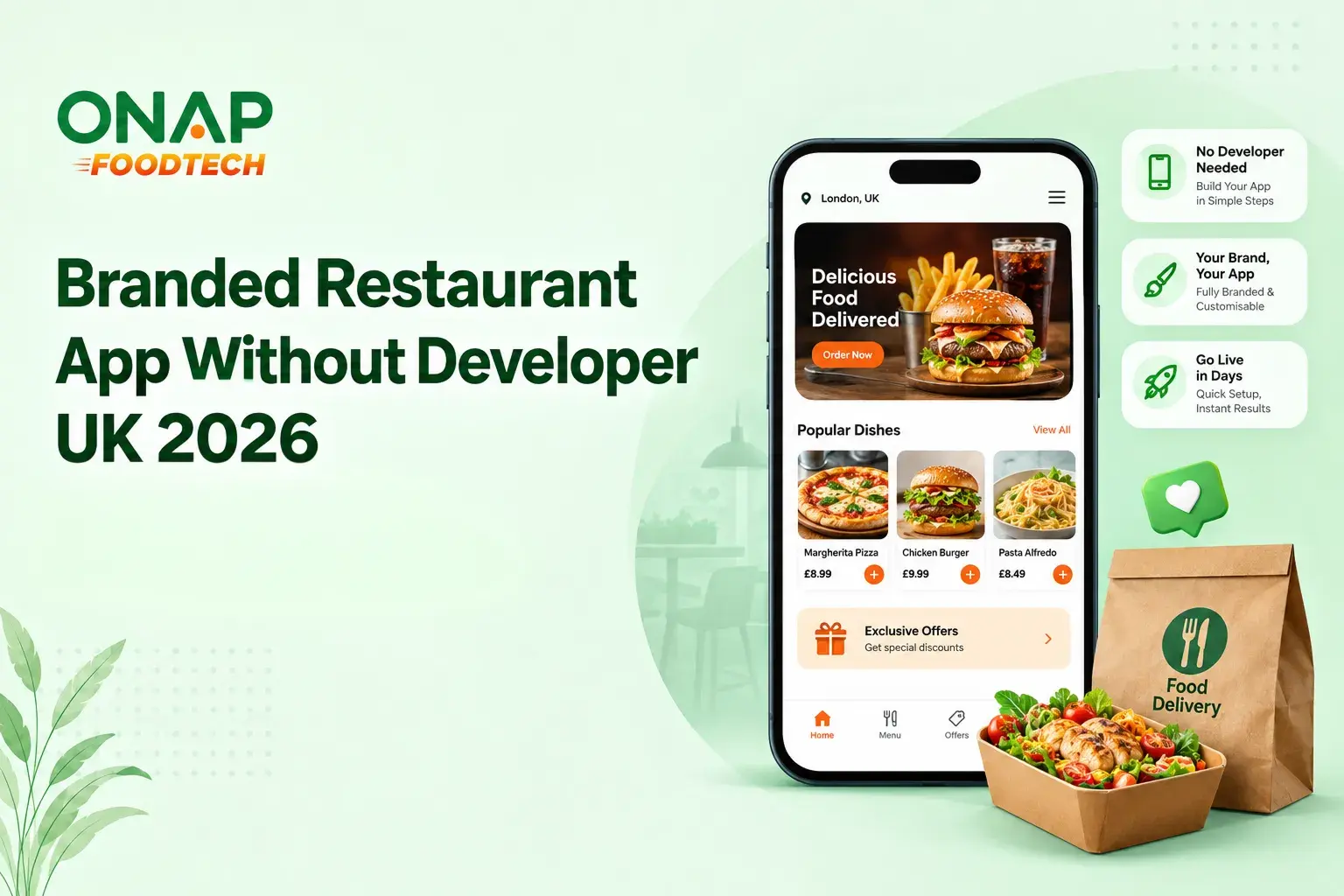
Table of Contents
- What is a branded restaurant app?
- Why launch a restaurant app in 2026?
- Can you build a restaurant app without a developer?
- What should a branded restaurant app include?
- How to launch a restaurant app without coding
- No-code restaurant app vs custom development
- Common mistakes when launching a restaurant app
- How to choose the right restaurant app platform
- FAQs
- The next step for restaurant operators
A branded restaurant app is a mobile ordering and customer engagement app built around your restaurant’s own identity, menu, ordering journey and customer data. In 2026, UK restaurant operators can launch one without hiring a developer by using a no-code platform or managed restaurant technology provider that handles the technical build, integrations and app-store submission.
The timing makes sense. Online behaviour is now a normal part of the UK customer journey, while restaurant operators are dealing with tighter margins and increasingly selective customers. UKHospitality reported that foodservice traffic fell 2.3% in Q1 2026, with casual dining and pub traffic down 8%.
What is a branded restaurant app?
A branded restaurant app is a mobile application published under a restaurant or restaurant group's own brand rather than under the name of a third-party ordering marketplace.
The customer sees your logo, colours, menu, offers and ordering experience. Depending on the platform, the app can also connect with payment services, point-of-sale systems, customer relationship management, loyalty schemes and delivery operations.
For a five-site casual dining group, for example, the app might allow customers to:
- Browse menus by location
- Place collection or delivery orders
- Save favourite orders
- Receive loyalty rewards
- Redeem promotional codes
- Store customer details
- Receive push notifications
- View order status
- Find nearby restaurants
- Reorder from previous purchases
The important distinction is ownership. A marketplace app places the customer relationship inside someone else's ecosystem. A branded app gives the restaurant a customer-facing channel it controls.
Why launch a restaurant app in 2026?
A customer who has already ordered from a restaurant does not need to rediscover it through a search engine or delivery marketplace every time they want the same meal. A well-designed app can shorten that journey to a few taps.
UK consumer spending also shows how established digital purchasing has become. According to the Office for National Statistics, online spending represented 50.5% of total UK card spending in September 2025, compared with 43.7% in September 2019.
Restaurant-specific data points to another reason to consider an owned channel. UKHospitality reported that restaurant promotions increased by 23% during H1 2025, while promotional activity on delivery platforms rose by 93%.
That creates a practical problem. Restaurants need promotions to stimulate demand, but repeatedly discounting through third-party platforms can make customer acquisition expensive.
The main business benefits
A properly planned restaurant app can help with:
Direct ordering: Customers can order without relying entirely on marketplace discovery.
Customer retention: Loyalty points, saved orders and personalised offers give customers reasons to return.
First-party customer data: The restaurant can build a clearer picture of ordering behaviour, subject to UK GDPR and applicable privacy requirements.
Push marketing: Time-sensitive promotions can reach customers directly through app notifications.
Brand control: The restaurant owns the visual experience rather than adapting its identity to a marketplace interface.
Multi-site management: Restaurant groups can present several locations through one customer-facing app.
The practical reality is that an app is a retention tool before it is an acquisition tool. Getting someone to download it is only half the job. Giving them a reason to keep it installed is where the commercial value comes from.
Can you build a restaurant app without a developer?
Yes. For many restaurants, the sensible approach is not to build an app from scratch but to use a no-code or managed restaurant app platform. These platforms replace much of the traditional development process with configuration. The restaurant supplies its branding, menu, locations, offers and operational requirements. The provider handles the technical framework, app configuration, integrations and, depending on the service, app-store publishing. That changes the question from "How do I code an app?" to "Which parts of my restaurant operation should the app support?" For most independent restaurants, the second question is far more useful.
Three ways to launch
| Approach | Technical knowledge | Typical effort | Best suited to |
|---|---|---|---|
| Build from scratch | High | High | Large restaurant groups with specialist requirements |
| Hire a developer or agency | Medium for the restaurant | Medium to high | Businesses needing custom functionality |
| No-code or managed platform | Low | Low to medium | Independent restaurants and growing restaurant groups |
A no-code solution is usually the fastest route, but it comes with trade-offs. You have less control over the underlying software architecture and may depend on the provider for certain integrations or custom changes. A custom build gives you more control but introduces development, testing, maintenance and upgrade responsibilities. For a restaurant owner who wants to launch an app rather than become a software company, a managed platform is often the more practical route.
What should a branded restaurant app include?
Do not start with a long feature list. Start with the customer journey. If someone opens the app at 7:15pm because they want dinner, the route from opening the app to confirming an order should be short and obvious.
Online ordering
Ordering should be the foundation if the app is primarily designed for takeaway or delivery. Customers should be able to select a location, browse the menu, customise items, add them to a basket and complete payment without unnecessary screens. The system also needs to handle operational details such as opening hours, item availability, collection times and delivery areas. A beautiful app that accepts an order for an unavailable dish is still a poor restaurant system.
Loyalty and rewards
Loyalty is one of the strongest reasons to keep a restaurant app installed. A scheme might reward customers for orders, visits or specific products. It could also provide birthday offers, member-only promotions or incentives for reaching a particular spending threshold. Keep the rules understandable. A customer should not need to study a points table to know what their reward is worth. UK Hospitality's H1 2025 data found that discounts offered through loyalty apps averaged 31%, compared with 19% for delivery promotions. That does not mean every restaurant should offer a 31% discount. It does show that loyalty apps have become an active part of restaurant promotion strategies.
Customer profiles and CRM
A customer account can store useful information such as previous orders, favourite locations and loyalty activity. The restaurant should be clear about what data it collects and why. Consent, privacy notices, data retention and marketing permissions need to be handled properly under the UK data protection framework. For operators that want more advanced customer management, restaurant software with built-in CRM capabilities can be more practical than trying to bolt separate systems together. ONAP FoodTech, for example, combines restaurant management capabilities with ordering, CRM, loyalty and marketing functions. Its restaurant CRM software guide provides more context on how these systems can support customer retention.
How to launch a restaurant app without coding
The launch process is easier when treated as an operational project rather than a design exercise.
1. Define the app's commercial purpose
Write down what the app is supposed to achieve.
For example:
"Increase repeat direct collection orders from existing customers."
That is more useful than:
"We need a modern restaurant app."
The first statement gives you measurable criteria for choosing software. You can then decide whether the app needs online ordering, loyalty, CRM, push notifications, delivery integration, multi-location support or other functions.
2. Choose a no-code or managed platform
Compare platforms based on the restaurant operation, not the screenshot on the sales page.
Check:
- Ordering functionality
- Menu management
- Payment support
- POS integrations
- Delivery integrations
- Loyalty features
- CRM
- Push notifications
- Analytics
- Multi-site management
- Customer data ownership
- App-store publishing
- Support
- Contract terms
- Migration options
Ask what happens if you leave the platform. That question is often overlooked. You should understand which customer data, content, branding assets and operational records can be exported if you move to another provider later.
3. Prepare your brand assets
A managed app provider will usually need your:
- Logo
- Brand colours
- Fonts
- App icon
- Restaurant photographs
- Menu content
- Location information
- Contact details
- Terms and privacy information
Do not treat this as a minor administrative task. Inconsistent branding between your website, app and physical restaurants makes the digital experience feel disconnected.
4. Build the menu carefully
The menu needs more attention than its appearance suggests.
Check:
- Product names
- Descriptions
- Prices
- VAT treatment
- Allergen information
- Dietary labels
- Modifier options
- Meal deals
- Availability
- Collection and delivery pricing
For a restaurant with 150 menu items and multiple modifiers, manual data entry can become one of the largest sources of launch errors. Where possible, import menu information from an existing system rather than rebuilding it from scratch.
5. Connect payments and operations
The app should connect to the systems that already run the restaurant.
Depending on the platform, this may include:
- POS
- Payment gateway
- Kitchen display system
- Delivery management
- Accounting software
- CRM
- Loyalty platform
An API or native integration is preferable to a process that requires staff to copy orders manually from one system into another. If your restaurant already runs a dedicated online ordering system, check how the new app will interact with it before signing a contract. Our online ordering system guide for UK restaurants covers the wider technology considerations.
6. Test real customer journeys
Do not test only whether buttons work. Place test orders. Try a collection order at lunchtime. Test a delivery order. Apply a discount. Redeem loyalty points. Cancel an order. Try an unavailable item. Test a payment failure. Then check what happens in the kitchen and back-office system. The customer experience and staff workflow need to work together.
7. Publish to the app stores
A branded app normally needs to be submitted to Apple's App Store and Google's Play Store. The publishing process involves app information, screenshots, descriptions, privacy information and store-specific requirements. A managed provider may handle much of this work, but the restaurant remains responsible for ensuring its business information and customer-facing policies are accurate.
8. Promote the app after launch
An app launch without promotion is unlikely to produce much traction.
Use existing customer touchpoints:
- Receipts
- Social media
- Restaurant signage
- Table cards
- Website banners
- Loyalty incentives
- Packaging inserts
- QR codes
No-code restaurant app vs custom development
The right choice depends on how unusual your requirements are.
| Factor | No-code / managed app | Custom development |
|---|---|---|
| Initial setup | Faster | Slower |
| Developer requirement | Usually unnecessary | Required |
| Custom functionality | Limited by platform | High flexibility |
| Maintenance | Provider-led | Restaurant or agency responsibility |
| Integrations | Depends on available connectors | Can be built specifically |
| App-store management | Often included | Usually handled separately |
| Ongoing technical work | Lower | Higher |
| Best for | Standard restaurant operations | Complex or highly specialised requirements |
Common mistakes when launching a restaurant app
Building features before defining the customer journey
A restaurant does not need 25 features if the customer struggles to place an order. Start with the highest-value journey.
Treating the app as a replacement for delivery marketplaces
A branded app and third-party marketplaces serve different purposes. Marketplaces can provide discovery. Your app can provide a direct relationship with existing customers. The two can coexist.
Ignoring restaurant staff
The app may be customer-facing, but its orders eventually reach employees. If the kitchen receives unclear modifiers or duplicate orders, the technology has created an operational problem.
Launching without a retention plan
Downloads are a vanity metric if customers never return. Track repeat orders, active customers, loyalty redemption, average order value and direct-order share instead.
Choosing software without checking data ownership
Before signing, establish who controls customer records, ordering data, analytics and account information. This becomes especially important when a restaurant expands, changes suppliers or sells the business.
How to choose the right restaurant app platform
A good shortlist should be based on five questions.
Does it support the way we sell? Collection, delivery, table ordering and multi-site operations can require different workflows.
Does it connect to our existing systems? Integration matters more than a long feature list.
Can our team manage it? Restaurant managers should be able to update menus, availability and promotions without submitting every change to a developer.
What happens as we grow? A platform that works for one site may become restrictive at 15 locations.
What is the full cost? Include implementation, transaction fees, payment processing, integrations and support.
For restaurants already evaluating broader management software, the FoodTech features page is a useful reference for the types of ordering, CRM, loyalty and operational functions that can sit within one restaurant technology platform..
FAQs
Can I create a restaurant app without knowing how to code?
Yes, a restaurant can launch a branded app without coding knowledge by using a no-code or managed restaurant technology platform. The provider typically handles the technical framework while the restaurant supplies branding, menu information and operational requirements. You should still understand how ordering, payments, customer data, integrations and app-store publishing will work before launch.
How long does it take to launch a restaurant app?
A straightforward managed restaurant app can often be prepared in weeks rather than months, provided the restaurant already has its branding, menu and operational information ready. The timeline becomes longer when POS, delivery, loyalty or multi-location integrations require additional configuration. App-store review and testing should also be included in the launch schedule.
Do I need an app developer to publish a restaurant app?
No, you do not necessarily need to hire an app developer. Managed app platforms can handle much of the technical configuration and store submission process. A developer becomes more useful when you need custom functionality, unusual integrations or software behaviour that the chosen platform does not support.
Should a small restaurant have its own app?
A small restaurant should launch an app only if it has enough repeat customer activity to justify it. A single-site café with limited digital ordering may be better served by a strong mobile website. A takeaway with frequent repeat orders, loyalty customers and a growing database has a stronger commercial case for a branded app.
Can a restaurant app connect to a POS system?
Yes, many restaurant app platforms can connect to POS systems, although the exact integrations depend on the provider and POS software. Check whether the connection is native, API-based or dependent on another service. Also confirm how menu changes, prices, order status, refunds and item availability move between systems before implementation.
How do I promote a new restaurant app?
Promote the app through customers who already know your restaurant rather than relying only on advertising. Use receipts, packaging, email, social media, restaurant signage, website banners and loyalty incentives. Give customers a clear reason to install it, such as easier reordering or a useful loyalty reward, then track repeat usage rather than downloads alone.
The next step for restaurant operators
The best starting point is not app design. It is the ordering journey. Map what happens from the moment a customer decides to order through to payment, kitchen fulfilment, collection or delivery, loyalty credit and the next purchase. Then choose a platform that supports that process without forcing staff into manual workarounds. For UK restaurants considering a wider digital ordering and customer management setup, ONAP FoodTech is one option to evaluate alongside other restaurant technology providers.
A developer is only necessary when the business has a genuine technical requirement that managed software cannot handle. For many restaurants in 2026, the smarter first move is to configure proven technology around the operation, launch quickly, measure the results and add complexity only when the numbers justify it.
Explore More Blogs
Discover more expert insights, software guides, and industry best practices to help your business grow with ONAP.
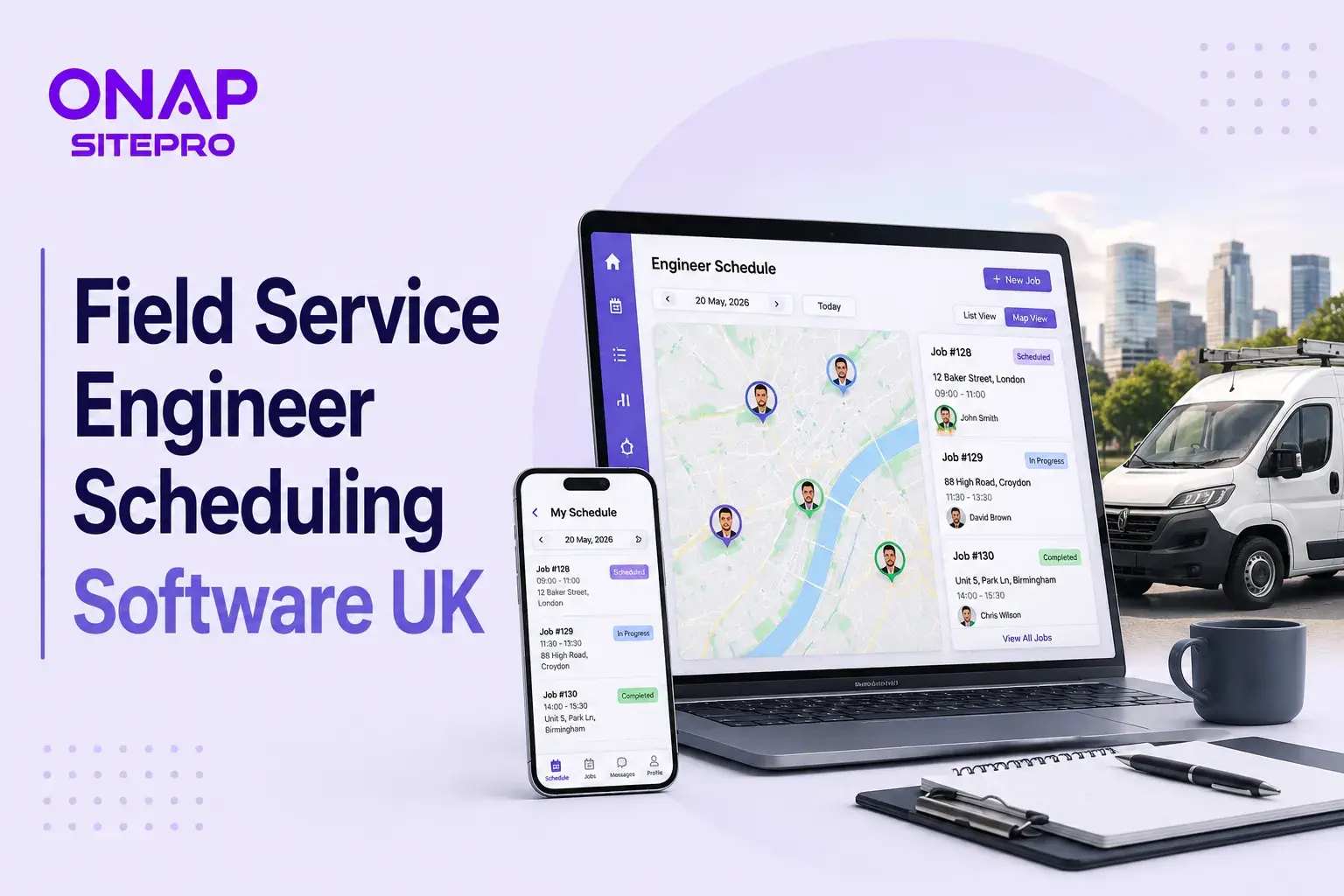
Field Service Engineer Scheduling Software UK: Free vs Paid Options Compared
Field service engineer scheduling software helps UK contractors assign jobs, manage availability, track engineers and keep customers updated. This guide compares free scheduling tools, spreadsheets and paid field service platforms, including their features, limitations, costs and suitability for growing teams.
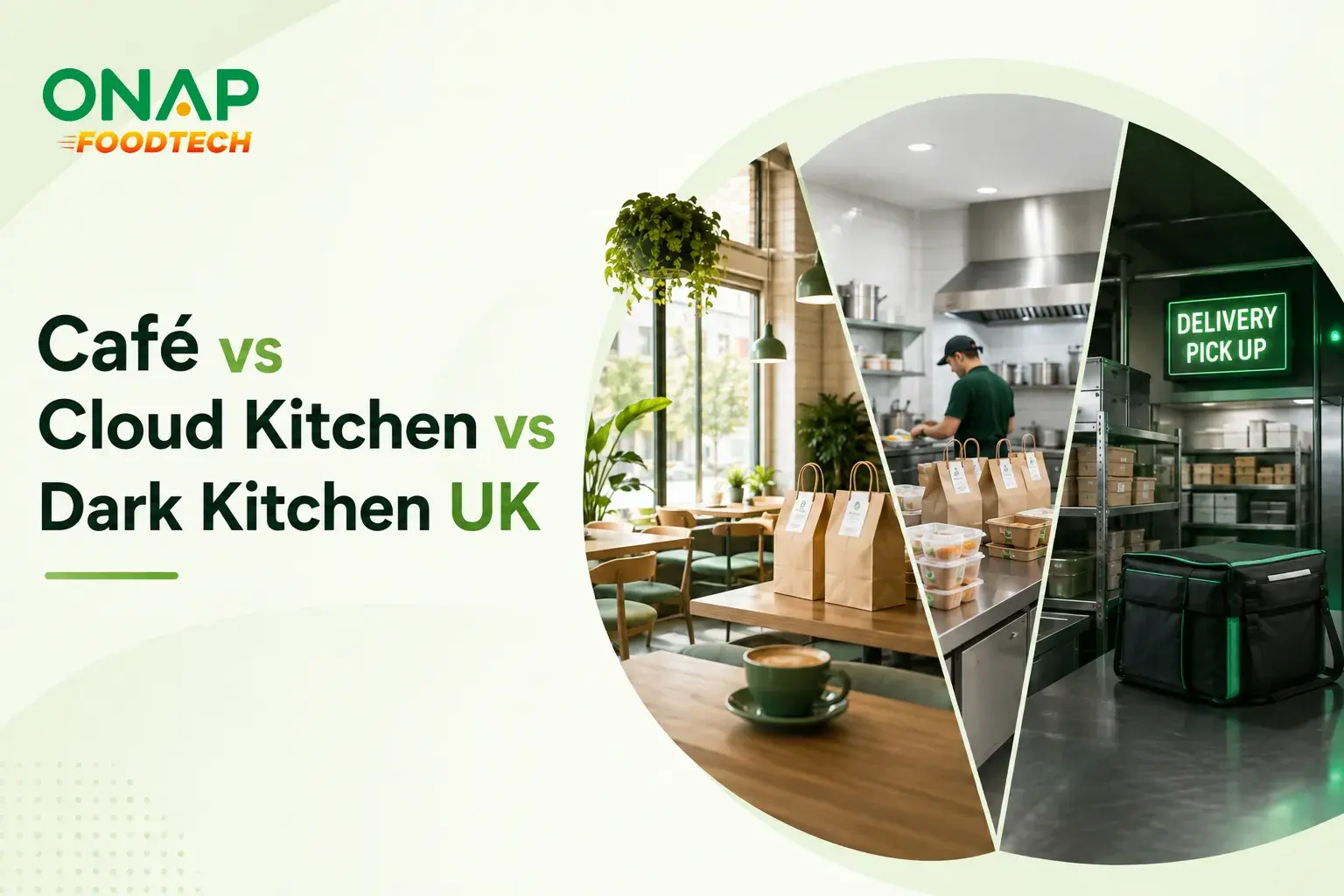
Café vs Cloud Kitchen vs Dark Kitchen: Which Model Works Best for UK Food Businesses
Cafés, cloud kitchens and dark kitchens each suit different UK food businesses. This guide compares premises, staffing, startup costs, delivery economics, customer acquisition, technology, VAT and growth potential, helping operators choose the model that fits their menu, target market and available capital.
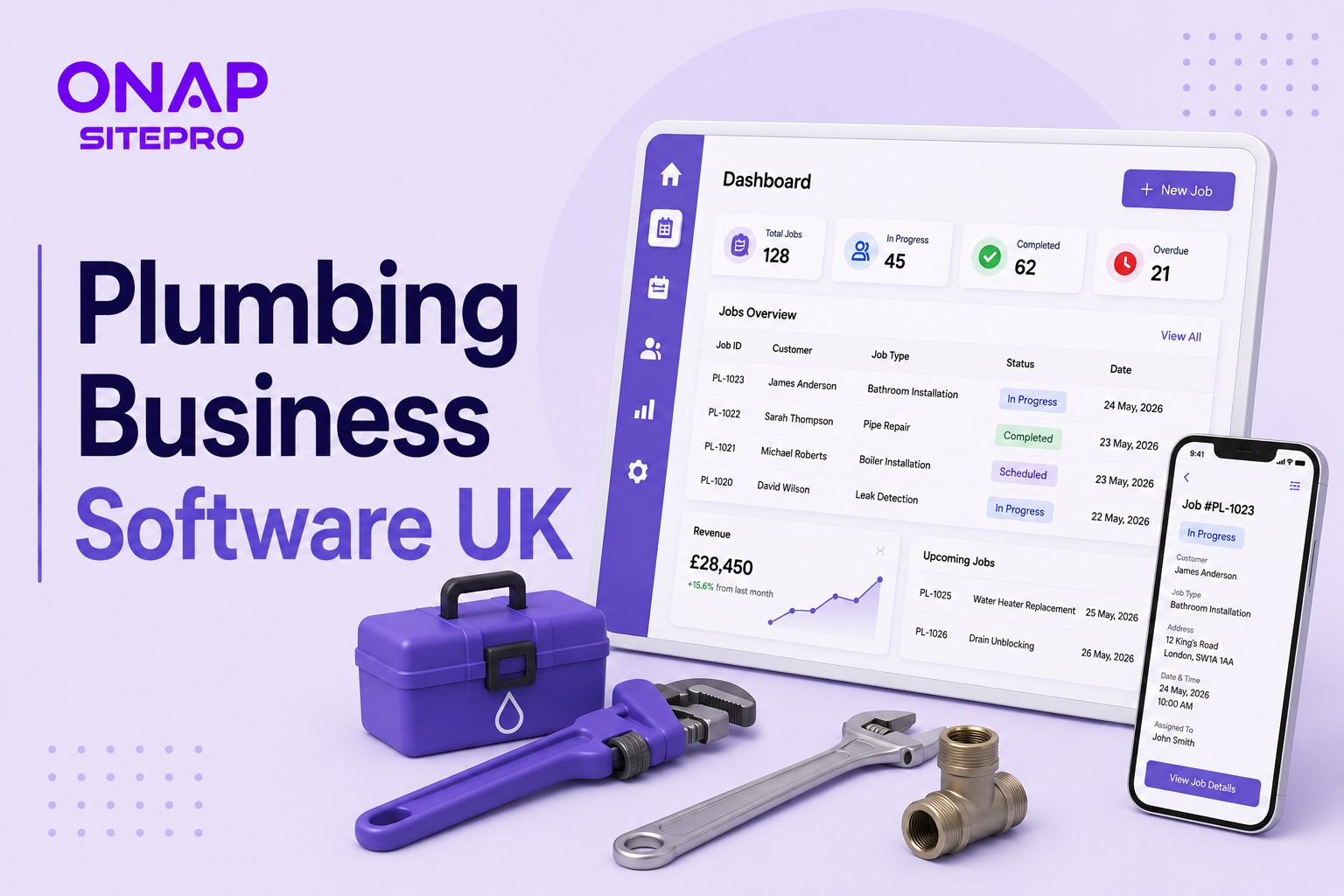
Plumbing Business Software UK: What Features Actually Matter in 2026
Choosing plumbing business software in the UK is less about having the longest feature list and more about controlling jobs, engineers, quotes, invoices and compliance from one place. This 2026 guide explains which features genuinely matter, what to avoid paying for, how integrations affect day-to-day work, and how to assess software before committing your business to a new system.