
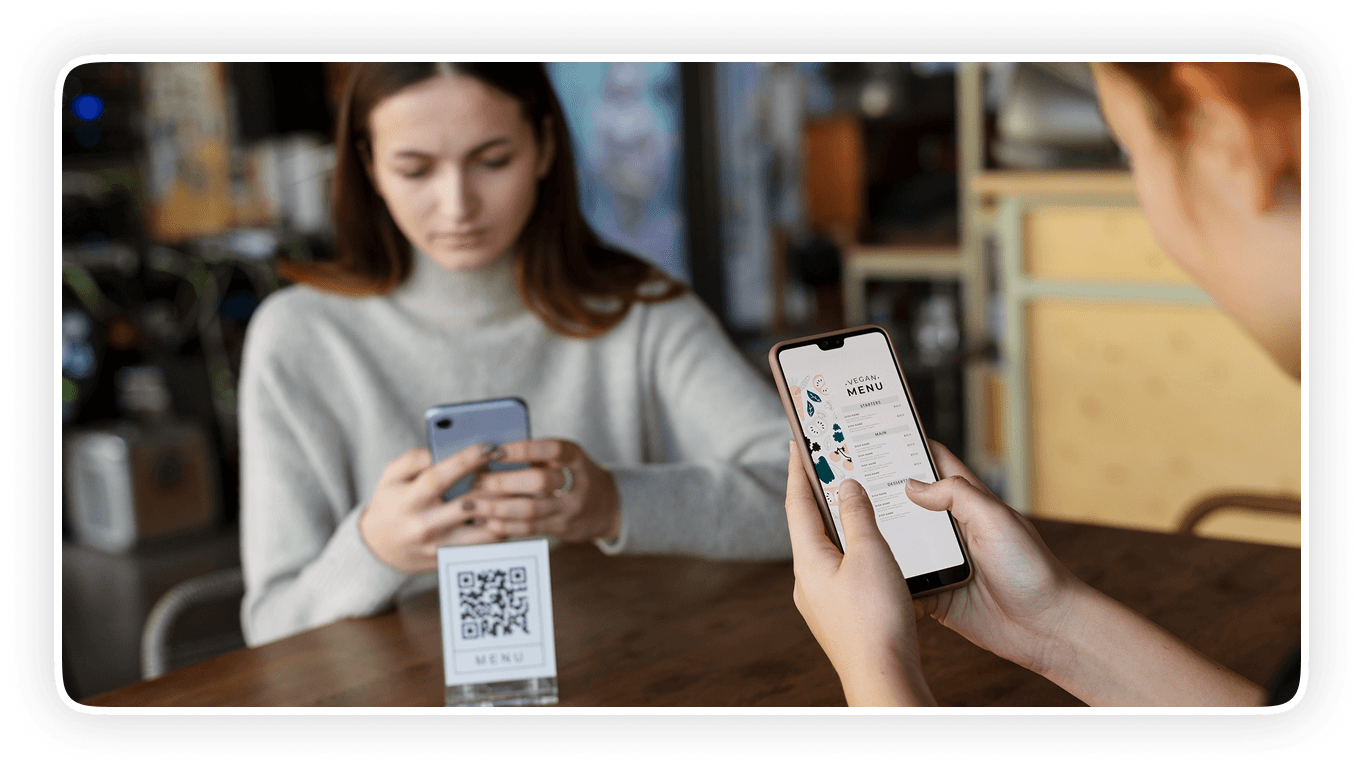
Why UK Restaurants Are Choosing QR Ordering
Rising UK hospitality staffing costs and ongoing recruitment challenges are making digital QR ordering increasingly valuable, helping restaurants reduce manual ordering tasks, send orders directly to the kitchen faster, and improve service efficiency while digital menus with photos, recommendations and add-ons can also encourage customers to explore more options and increase average order value.

Instant QR Code Generation
Each table gets a unique QR code. Print it, laminate it or stick it directly to the table. Customers scan and the correct table number is captured automatically with every order.

No App Required
Customers open their camera, scan the code and the menu loads in their browser. No download, no account creation, no friction.

Live Menu Updates
Sold out of the sea bass? Remove it in 30 seconds from your admin panel. Changes reflect instantly for every customer currently browsing.

Custom Modifiers & Add-ons
Customers personalise their order with extras, sauces, dietary substitutions and portion sizes. Every preference is captured before the order reaches the kitchen.

Instant Kitchen Notifications
Orders arrive at the kitchen display the moment a customer confirms. No order slips, no shouting across the pass.

Multiple Payment Options
Customers pay by card, Apple Pay or Google Pay directly from their phone. Bill splits and partial payments are supported without staff intervention.
How QR Table Ordering Works
The process takes three minutes for setup per table and about 90 seconds for a customer placing their first order.
Print and place your table QR codes
ONAP generates a unique QR code for each table number in your restaurant. Print them in any format — card inserts, A5 tent cards, stickers on the table surface. When a customer scans, the system logs which table is ordering.
Customer browses your digital menu
Your full menu loads in the customer's browser. Categories, photos, allergen information, descriptions and pricing exactly as you configured them. Customers browse at their own pace without feeling rushed.
Customer customises and places the order
Steak temperature, side dish swap, extra sauce — all handled through the ordering interface before checkout. The customer reviews their selections, adds any final notes and pays through the secure checkout.
Order goes straight to the kitchen
Your kitchen display shows the new order immediately: table number, items, modifiers and any special instructions. No ticket printing, no relay through a member of staff.
Customer receives confirmation
A confirmation appears on the customer's phone with an estimated wait time. If they want to order another round of drinks or a dessert, they scan again.
Built to Improve Every Dining Experience
Manage orders, customers, loyalty, marketing, analytics, and online ordering from one intelligent platform built for modern restaurants. QR ordering adapts to how your restaurant already runs, not the other way round.

Table service restaurants
Replace the order pad entirely or use QR ordering for drinks and starters while staff handle the main course conversation. The hybrid approach works well in formal dining environments where guests expect some face-to-face interaction.
Casual dining and chains
QR ordering is standard practice in most UK casual dining brands for good reason. It speeds up table turns, reduces staff dependency and handles high weekend volumes without proportionally increasing headcount.
Pubs and bar-kitchens
Customers at the bar can scan and order food without queuing at a counter. Kitchen orders arrive cleanly separated from bar orders. Table numbers are attached to every food order so service is straightforward.
Cafés with seating
Morning rush management becomes easier when a third of seated customers are ordering from their phones while others queue at the counter. The kitchen receives a predictable order flow rather than a surge when the queue clears
Hotels and room service
QR codes placed in guest rooms link directly to a room service menu. Guests order from bed. Orders arrive at the kitchen with the room number already attached.
Why Restaurants Love QR Ordering
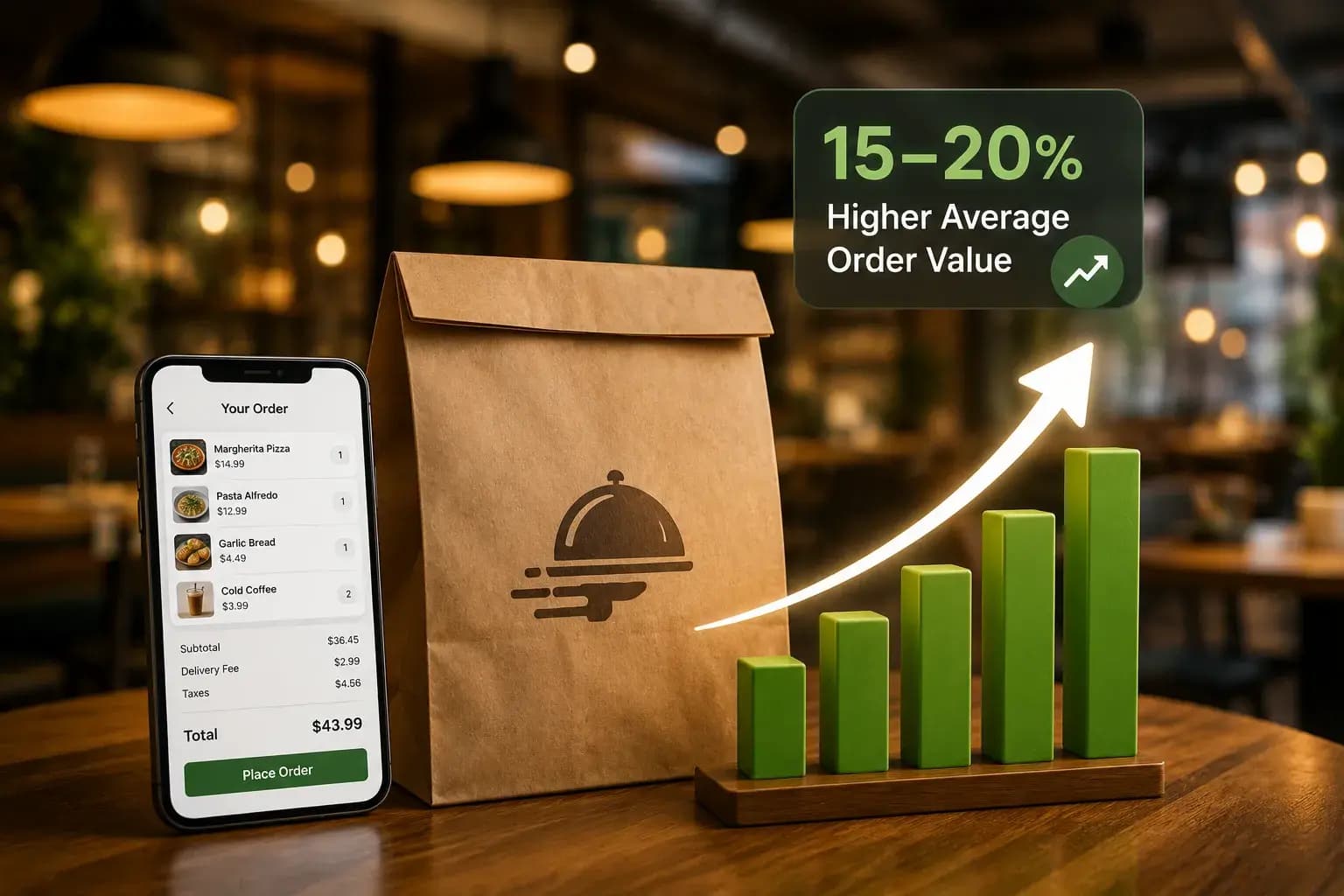
15–20% Higher Average Order Value
Increase average spend per table with digital menus that give customers more time to explore your menu, discover recommended dishes, view add-ons, and make additional choices without pressure from busy service staff.
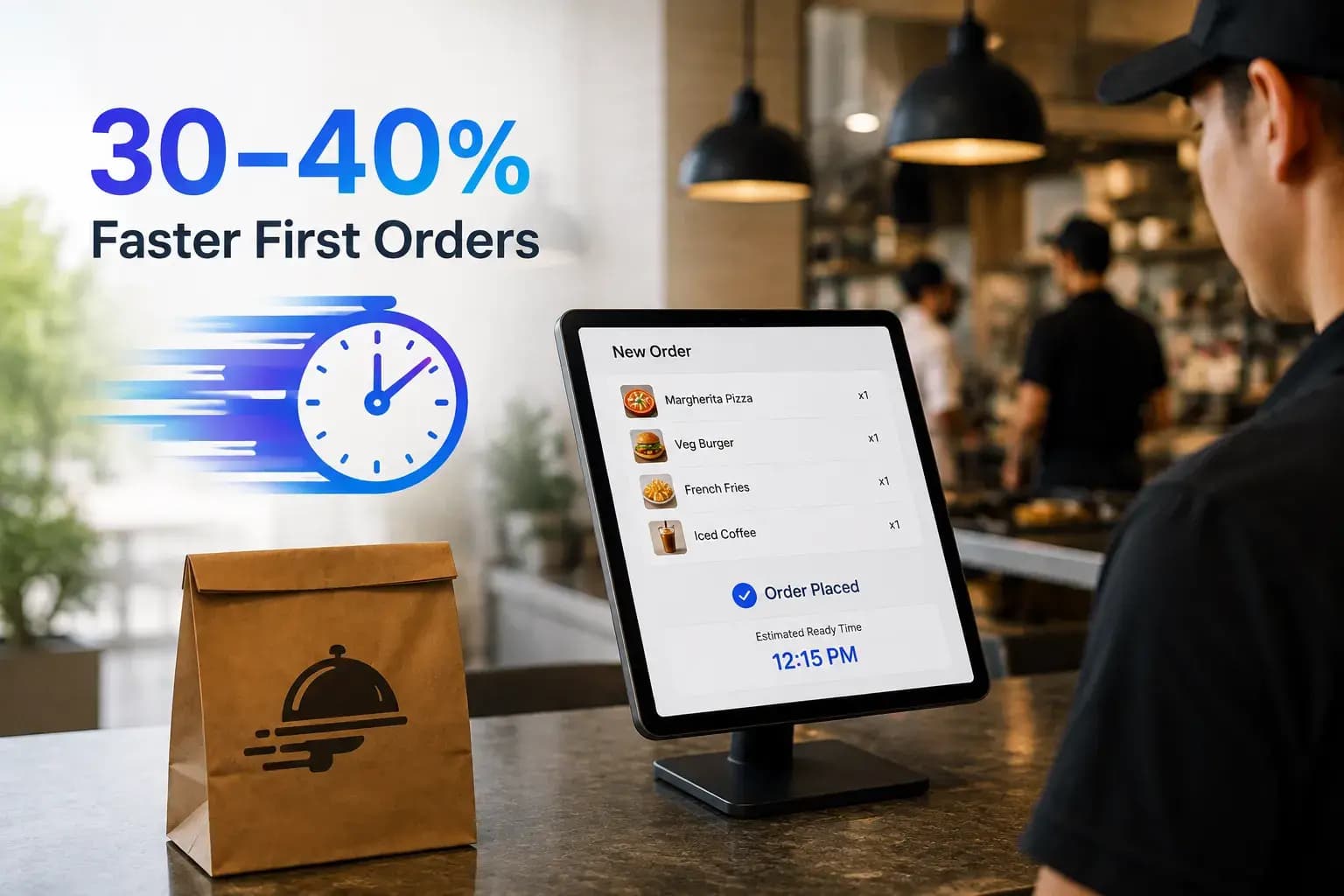
30–40% Faster First Orders
Reduce the time between guests sitting down and placing their first order by allowing customers to scan, browse and order directly from their table, helping restaurants serve guests faster during busy periods.

Fewer Ordering Errors
Give customers direct control over their orders to reduce misunderstandings between the table and kitchen. Digital orders are sent clearly and accurately, helping minimise incorrect dishes, missing items and unnecessary order corrections.

Faster Table Turns
Keep tables moving efficiently during peak service by removing unnecessary waiting between seating, menu selection, ordering and payment, helping restaurants accommodate more guests without compromising the dining experience.
Real-Time Kitchen Orders
Send customer orders directly to the kitchen as soon as they are placed, giving kitchen teams clear, timely order information and helping staff coordinate preparation more efficiently throughout every service.
Always-Updated Digital Menus
Update dishes, prices, availability, descriptions and promotions instantly across your digital menu, ensuring customers always see accurate information without the cost and delay of repeatedly printing physical menus.
Seamless Contactless Payments
Make the final stage of the dining journey faster with secure digital payments that allow customers to complete their bills conveniently from their table, reducing payment delays and easing pressure on front-of-house teams.
Smarter Restaurant Table Ordering
Connect table ordering, kitchen workflows, menu management and customer payments into one streamlined experience that helps restaurants improve operational efficiency, reduce service bottlenecks and deliver a faster, more convenient dining journey.
Frequently Asked Questions
A QR ordering system lets customers scan a code at their table using their smartphone camera to access a digital menu, place an order and pay without needing to wait for a member of staff. Orders are sent directly to the kitchen or POS system. The customer's phone number, table number and full order details are captured automatically, removing the need for manual order-taking.
No. ONAP's QR ordering system works through any smartphone browser. Customers scan the code with their camera, and the menu loads immediately in Safari, Chrome or any standard browser. No app download, account creation or pre-registration is required before placing an order.
Yes, in practice. QR ordering removes several staff-intensive touchpoints from the table service flow, including taking initial orders, handling modifications verbally and processing payments. Restaurants can use their existing team more efficiently during service by reducing time spent on order-taking and redeploying staff toward food running and guest experience.
It depends on the experience you want to deliver. Many fine dining operators can use QR ordering selectively for wine and drinks reorders, dessert menus or other supplementary services while maintaining traditional table service for the main dining experience. ONAP supports flexible approaches where some elements are self-service and others remain staff-led.
Menu changes are made through your ONAP admin panel and take effect immediately across all table QR codes. There is no need to reprint materials when prices or items change. Availability controls also let you remove sold-out items in real time during service without affecting the rest of the digital menu.
Yes. ONAP supports payment at the table through the QR ordering interface. Customers can pay by card, Apple Pay or Google Pay without needing to request a bill or wait for a card machine to arrive at the table. Split bills and partial payments are also supported.