Facilities Management Software UK: Complete Buyer's Guide 2026
Discover how facilities management software helps UK businesses streamline maintenance, manage assets, improve compliance, and reduce operational costs. This buyer's guide explains the essential features, pricing considerations, software comparisons, and practical advice for selecting the right FM platform in 2026.
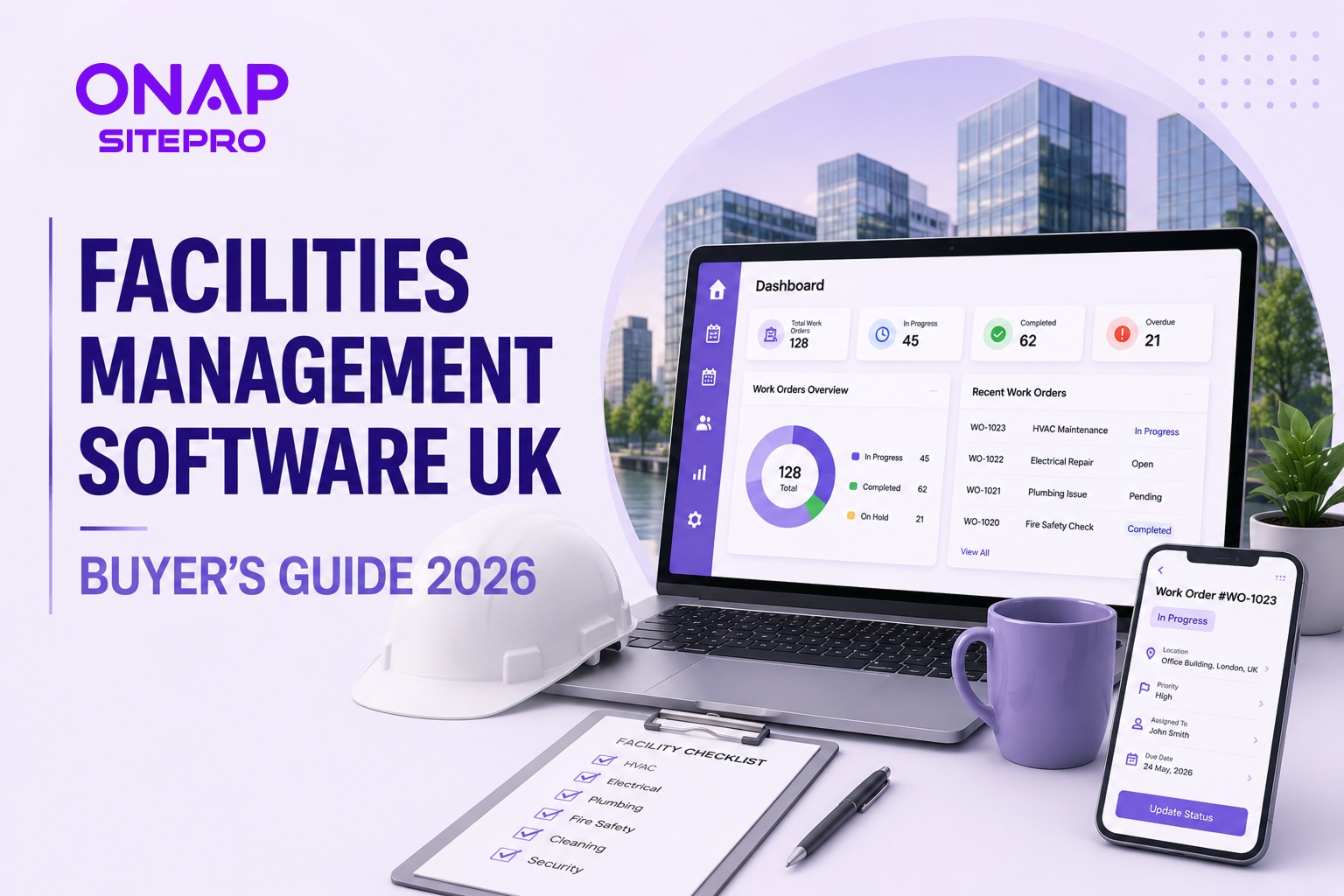
Managing buildings has become far more complex than tracking maintenance requests on a spreadsheet. Facilities managers are expected to oversee planned maintenance, reactive repairs, compliance inspections, contractors, assets, budgets, and service performance, often across multiple locations. Trying to coordinate these responsibilities through email, paper records, and disconnected software quickly creates inefficiencies. Missed inspections, delayed repairs, incomplete audit trails, and poor visibility over maintenance costs can affect both operational performance and regulatory compliance.
Facilities management software brings these processes together in a single platform. It helps organisations organise maintenance schedules, assign work orders, monitor assets, manage contractors, and generate reports without relying on manual administration. For businesses evaluating technology investments, choosing the right FM platform is about more than replacing spreadsheets. The best systems improve productivity, support compliance, provide better operational visibility, and scale alongside growing property portfolios. This guide explains what facilities management software is, which features matter most, how much UK businesses should expect to invest, and what to consider before selecting a solution.
What Is Facilities Management Software?
Facilities management software is a digital platform that helps organisations manage buildings, maintenance activities, assets, contractors, compliance tasks, and operational workflows from one central system. Instead of maintaining separate spreadsheets for maintenance schedules, equipment registers, contractor records, and inspection reports, facilities managers can access all operational data through a single dashboard.
Depending on the platform, facilities management software may support:
- Planned preventative maintenance (PPM)
- Reactive maintenance
- Work order management
- Asset management
- Contractor coordination
- Compliance monitoring
- Inspection scheduling
- Inventory tracking
- Budget reporting
- Mobile workforce management
- Customer or tenant requests
Many organisations also integrate facilities management software with accounting systems, business intelligence tools, or IoT sensors to improve visibility across their estate. Modern FM platforms are commonly delivered as cloud-based software, allowing office staff, engineers, contractors, and managers to access information from any location.
What Does a Facilities Manager Actually Need From Software?
Facilities managers rarely struggle because they lack information. The challenge is that information is often scattered across multiple systems. One spreadsheet tracks assets. Another contains maintenance schedules. Contractor details are stored in emails. Compliance certificates sit in shared folders. Service requests arrive by phone or email.
Without a connected system, it becomes difficult to answer simple operational questions such as:
- Which maintenance tasks are overdue?
- Which engineer is attending a site today?
- When was this asset last serviced?
- Which contractors are currently approved?
- Are compliance inspections up to date?
- What is the maintenance cost for this building?
Effective facilities management software removes this uncertainty by providing one reliable source of operational data.
Most facilities managers prioritise software that helps them:
- Schedule preventive maintenance automatically
- Reduce reactive repairs
- Track maintenance history
- Improve contractor accountability
- Maintain compliance records
- Monitor asset performance
- Produce management reports quickly
- Support mobile engineers in the field
Visibility is often the biggest improvement. Instead of spending time collecting information, facilities managers can focus on improving service delivery and planning future maintenance activities. For organisations with mobile maintenance teams, platforms such as ONAP SitePro combine facilities workflows with field service management, helping engineers and office teams stay connected throughout every job.
Core Features of Facilities Management Software
Facilities management software should support the complete maintenance lifecycle, from planning and scheduling to execution, reporting, and compliance. While feature lists vary between providers, there are several capabilities that consistently deliver the greatest operational value.
Planned Maintenance Scheduling
Reactive maintenance is expensive. Emergency repairs often lead to higher labour costs, equipment downtime, and disruption to building occupants. Planned Preventative Maintenance (PPM) helps reduce these issues by scheduling routine inspections and servicing before failures occur.
A good FM platform should allow you to:
- Create recurring maintenance schedules
- Set inspection frequencies
- Generate work orders automatically
- Assign engineers based on availability
- Track upcoming maintenance activities
- Receive reminders for overdue tasks
Automating preventive maintenance reduces manual planning and helps organisations extend the lifespan of critical assets.
Work Order and Job Management
Every maintenance request should move through a consistent workflow. Facilities management software allows office teams to create, prioritise, assign, and monitor work orders from a single platform.
Typical workflow stages include:
- Maintenance request received
- Work order created
- Priority assigned
- Engineer or contractor allocated
- Job completed on site
- Completion notes recorded
- Customer or manager approval
- Work order closed
Managers can monitor every stage in real time instead of relying on phone calls or spreadsheets. Integrated SitePro Features support digital work orders, engineer scheduling, mobile updates, and reporting, helping maintenance teams complete jobs more efficiently.
Contractor and Supplier Management
Many facilities teams rely on external contractors for specialist work such as electrical testing, HVAC servicing, fire safety inspections, cleaning, or lift maintenance.
Managing multiple suppliers manually often creates problems, including:
- Expired certifications
- Delayed approvals
- Missing documentation
- Poor communication
- Inconsistent service quality
Facilities management software provides a central record for each contractor, including:
- Contact information
- Service agreements
- Insurance details
- Compliance documents
- Performance history
- Assigned work orders
This makes contractor oversight much easier while reducing administrative effort.
Asset Tracking
Buildings contain hundreds or even thousands of assets that require regular attention.
Examples include:
- HVAC equipment
- Boilers
- Pumps
- Fire alarms
- Lighting systems
- Electrical panels
- Security equipment
- Elevators
- Water systems
Facilities management software creates a digital register for every asset.
Each asset record may include:
- Serial number
- Installation date
- Warranty information
- Maintenance history
- Service intervals
- Associated work orders
- Replacement schedule
Having this information available allows maintenance decisions to be based on actual performance rather than assumptions. It also supports long-term capital planning by identifying ageing equipment before failures become frequent.
Compliance and Audit Trails
Compliance is one of the biggest reasons organisations invest in facilities management software. Many industries must maintain accurate maintenance records for inspections, insurance requirements, and regulatory obligations.
Software helps by automatically recording:
- Inspection dates
- Completed maintenance
- Engineer notes
- Photographs
- Digital signatures
- Certificates
- Asset history
- User activity
A complete audit trail reduces the risk of missing documentation during audits and simplifies reporting for internal stakeholders. For organisations managing regulated facilities, digital records are significantly easier to maintain than paper-based filing systems.
Cloud-Based vs Legacy FM Software: What UK Businesses Need to Know
Many organisations still rely on older on-premise facilities management systems that were installed years ago. While these systems may still function, they often struggle to meet the expectations of modern maintenance teams. Cloud-based software has become the preferred choice for many UK businesses because it offers greater flexibility and lower infrastructure requirements.
| Cloud-Based FM Software | Legacy On-Premise Software |
|---|---|
| Accessible from anywhere | Usually limited to office access |
| Automatic software updates | Manual upgrades required |
| Lower upfront costs | Higher implementation costs |
| Easier remote collaboration | Limited mobile capabilities |
| Faster deployment | Longer installation projects |
| Scales more easily | Expansion often requires additional infrastructure |
Cloud software is particularly valuable for organisations with:
- Multiple sites
- Mobile engineers
- Remote managers
- Distributed contractor networks
- Growing maintenance teams
Legacy systems may still be appropriate where strict internal IT policies require local hosting, but for most organisations, cloud deployment offers greater long-term flexibility.
How Much Does Facilities Management Software Cost in the UK?
There is no standard pricing model for facilities management software.
Costs depend on several factors, including:
- Number of users
- Number of engineers
- Building portfolio size
- Asset volume
- Required modules
- Integration requirements
- Implementation services
- Ongoing support
Many providers charge on a monthly subscription basis, while enterprise platforms may offer customised pricing.
When evaluating software, look beyond the subscription fee.
Consider the total cost of ownership, including:
- Data migration
- Staff training
- Configuration
- Support
- Future upgrades
- Additional user licences
- API or integration costs
Choosing software based only on the lowest monthly price often leads to higher costs later if important functionality needs to be added separately. Businesses comparing modern cloud solutions can review SitePro Pricing to understand how feature availability scales across different plans before making a purchasing decision.
How to Build a Business Case for New FM Software
Purchasing facilities management software usually requires approval from senior management or finance teams. A successful business case focuses on measurable operational improvements rather than software features alone.
Quantify Current Challenges
Start by documenting the problems your existing process creates.
Examples include:
- Time spent updating spreadsheets
- Delayed maintenance response
- Missed preventive maintenance
- Duplicate data entry
- Poor visibility across multiple sites
- Difficulty producing compliance reports
- High administrative workload
Where possible, estimate the impact in hours, costs, or service delays.
Identify Expected Benefits
Facilities management software can improve several areas of the business, including:
- Faster work order processing
- Reduced paperwork
- Better engineer utilisation
- Improved asset lifespan through preventive maintenance
- Easier compliance reporting
- More accurate maintenance records
- Faster management reporting
- Improved contractor oversight
These benefits often compound over time as the organisation grows.
Consider Long-Term Scalability
Replacing software every few years is disruptive and expensive.
When presenting your recommendation, explain how the chosen platform can support:
- Additional users
- More buildings
- Increased asset volumes
- New maintenance services
- Business expansion into additional locations
Scalability is often a stronger justification than focusing solely on immediate operational savings.
Include Implementation Planning
Decision-makers are more likely to approve new software when implementation risks are clearly addressed.
Your plan should cover:
- Data migration
- Staff training
- Pilot rollout
- Timeline
- Success measures
- Internal ownership
A phased rollout often reduces disruption while allowing teams to adapt gradually.
Frequently Asked Questions
What is facilities management software used for?
Facilities management software helps organisations manage maintenance, work orders, assets, contractors, compliance activities, and operational reporting from one central platform.
Is facilities management software suitable for small businesses?
Yes. Smaller maintenance businesses and property management companies can benefit from improved scheduling, digital work orders, and reduced administrative effort. Many cloud platforms are designed to scale as the business grows.
What is the difference between CAFM and facilities management software?
CAFM (Computer-Aided Facilities Management) is a category of facilities management software. Modern FM platforms often include CAFM capabilities alongside mobile workforce management, reporting, contractor management, and asset tracking.
Can facilities management software improve compliance?
Yes. Most systems maintain digital records of inspections, maintenance activities, certificates, engineer notes, and audit trails, making compliance reporting significantly easier than manual record keeping.
How long does it take to implement facilities management software?
Implementation varies depending on the size of the organisation, the amount of historical data being migrated, and required integrations. Smaller businesses can often complete implementation within days or a few weeks, while enterprise deployments may take considerably longer.
Conclusion
Facilities management software is no longer just a tool for recording maintenance jobs. It has become the operational hub that connects assets, engineers, contractors, compliance records, and business reporting. The right platform helps facilities managers move from reacting to problems toward planning maintenance proactively. It reduces manual administration, improves visibility across multiple sites, and gives decision-makers access to reliable operational data.
When comparing solutions, prioritise ease of use, mobile functionality, reporting, scalability, and implementation support over lengthy feature lists. Software that fits your existing workflow and can grow alongside your organisation will deliver greater long-term value than a platform packed with capabilities your team rarely uses. For organisations managing mobile maintenance teams, exploring the SitePro Solutions page can provide additional insight into how integrated work order management, scheduling, and reporting can support modern facilities operations.
Explore More Blogs
Discover more expert insights, software guides, and industry best practices to help your business grow with ONAP.

How to Launch a Branded Restaurant App Without a Developer (UK Guide 2026)
Launching a branded restaurant app no longer requires an in-house development team. This 2026 UK guide explains how restaurant owners can choose a no-code or managed app platform, connect ordering and payments, build loyalty features, publish the app, and avoid the common mistakes that make app projects expensive.
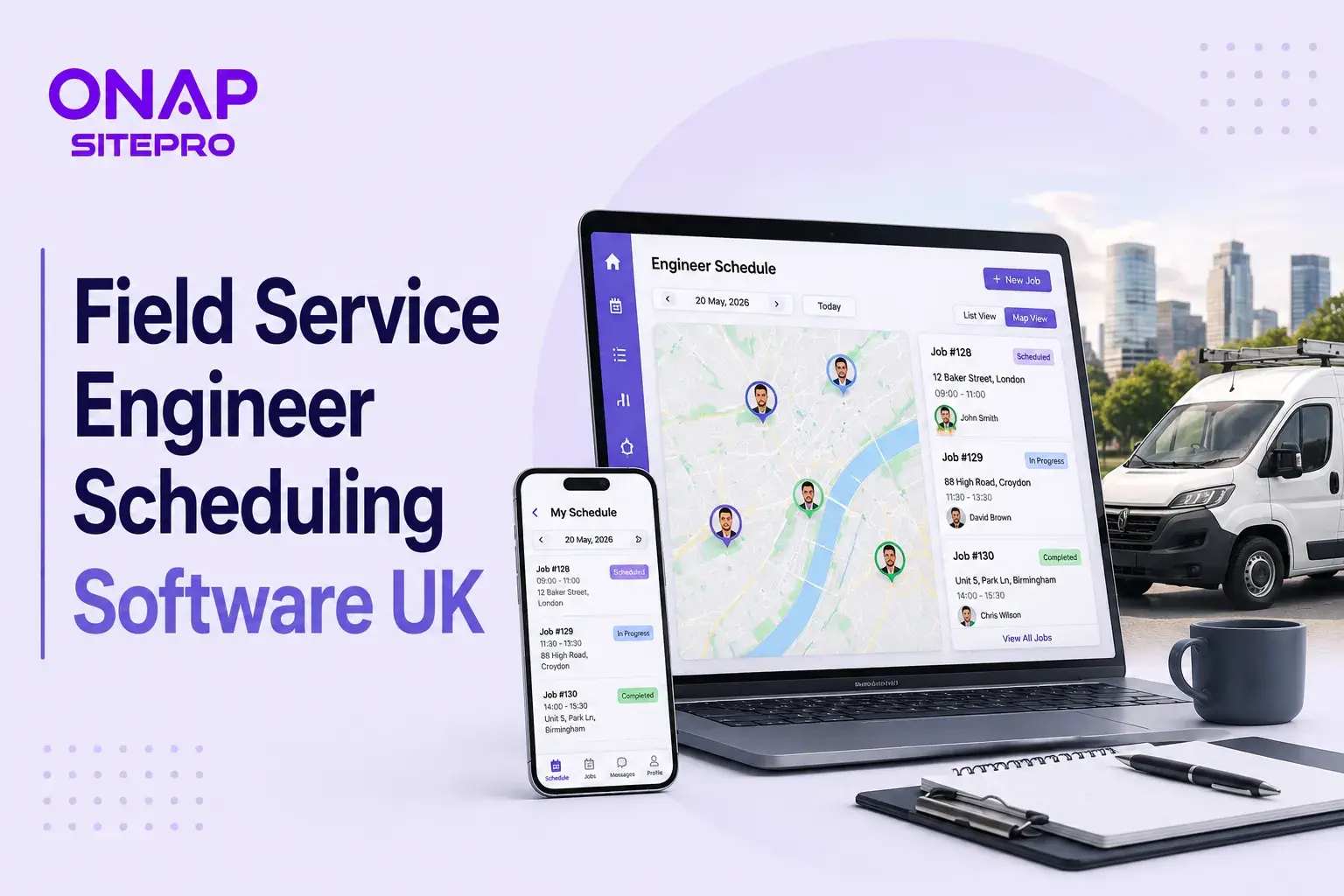
Field Service Engineer Scheduling Software UK: Free vs Paid Options Compared
Field service engineer scheduling software helps UK contractors assign jobs, manage availability, track engineers and keep customers updated. This guide compares free scheduling tools, spreadsheets and paid field service platforms, including their features, limitations, costs and suitability for growing teams.

Café vs Cloud Kitchen vs Dark Kitchen: Which Model Works Best for UK Food Businesses
Cafés, cloud kitchens and dark kitchens each suit different UK food businesses. This guide compares premises, staffing, startup costs, delivery economics, customer acquisition, technology, VAT and growth potential, helping operators choose the model that fits their menu, target market and available capital.