How UK Electricians Are Replacing Spreadsheets with Job Management Software
UK electricians are moving beyond spreadsheets as job volumes, compliance paperwork and customer expectations increase. This guide explains how electrician job management software replaces disconnected spreadsheets with scheduling, digital job sheets, quoting, invoicing, documentation and reporting, while showing what smaller electrical contractors should look for before making the switch.

Table of Contents
- Why spreadsheets stop working for electrical contractors
- What electrician job management software replaces
- Why UK electricians are moving towards connected workflows
- Which tasks should electricians move off spreadsheets first?
- Spreadsheet vs job management software: which is right for your business?
- The SitePro approach for electrical contractors
- Common mistakes when moving away from spreadsheets
- The business case is bigger than saving admin time
- FAQs
- What is electrician job management software?
- Can a small electrical business use job management software?
- Is job management software better than Excel for electricians?
- Can electricians use job management software on a phone?
- Does job management software replace accounting software?
- How long does it take to move from spreadsheets to job management software?
- Conclusion
Electrician job management software is a digital system that brings scheduling, job records, quoting, invoicing, customer information and field documentation into one place. For a small electrical contractor, that can mean replacing a spreadsheet for jobs, another for quotes, paper certificates and a phone full of site photos with one connected workflow.
The change is not about making an electrical business more complicated. It is about removing the gaps that appear when a business grows from one electrician with a diary into a team handling multiple jobs each week. The spreadsheet usually works at first. Then the business gets busy.
Why spreadsheets stop working for electrical contractors
A spreadsheet is useful for keeping a basic list of customers, jobs or costs. The problem begins when it becomes the operating system for the entire business. A typical electrical contractor might have one workbook containing customer names and job statuses, a calendar for appointments, email threads for quotes, WhatsApp messages for engineer updates and folders containing certificates and photographs. None of those systems knows what the others are doing.
That creates small administrative problems that become expensive when repeated across dozens of jobs. Consider a four-person electrical business in Birmingham. One engineer finishes an EICR on Tuesday. The job sheet is photographed and sent to the office. The office has to find the correct customer record, locate the original quote, check the engineer's notes, prepare the paperwork and remember to invoice the customer.
The hidden cost of spreadsheet-based job management
The biggest weakness of a spreadsheet is not that it lacks features. It is that information has to be entered, updated and checked manually.
A spreadsheet can tell an office manager that a job exists. It cannot automatically give an engineer the latest site notes, attach photographs to the correct job, record customer approval and move the work towards invoicing.
| Spreadsheet-based process | Job management software |
|---|---|
| Jobs manually entered into rows | Jobs stored as live records |
| Separate diary or calendar | Scheduling linked to jobs |
| Paper or emailed job sheets | Digital job sheets |
| Photos stored on phones | Photos attached to job records |
| Quotes tracked manually | Quote status tracked in the system |
| Invoices prepared separately | Invoice workflow linked to completed work |
| Customer history spread across files | Central customer record |
| Reports built manually | Dashboards and reports |
| Documents stored in folders | Documents linked to jobs |
| Updates passed by phone or WhatsApp | Job information shared through the platform |
The practical reality is that spreadsheets remain useful for analysis and one-off calculations. They become a poor choice when several people need to update operational information throughout the day.
What electrician job management software replaces
Electrician job management software does not have to replace every application an electrical business uses. Its main job is to become the operational layer connecting enquiries, jobs, engineers, customers and paperwork. A well-designed system can bring several everyday processes together.
Scheduling and dispatch
Scheduling is often the first area where a growing electrical business feels the limits of a spreadsheet. A sole trader may have no difficulty remembering Tuesday's domestic call-out and Thursday's commercial inspection. Add three engineers, emergency work and a recurring maintenance contract and the diary becomes harder to manage.
Job management software gives the office a central schedule showing which engineer is assigned to each job, when the work is due and what stage it has reached. That matters when an engineer calls in sick or an urgent job appears. Instead of searching through several files, the office can see the day's workload and make a decision from one screen. For businesses operating across Greater London, Manchester or other busy service areas, scheduling can also help reduce unnecessary travel between appointments.
Digital job sheets
Paper job sheets are familiar, but they create work after the electrician leaves the site. A digital job sheet allows the engineer to record work completed, labour, materials, notes, photographs and customer sign-off from a phone or tablet. The office receives the information without waiting for paperwork to return to the premises.
This is particularly useful for reactive electrical work. A customer might call about a failed circuit in the morning, receive an engineer visit that afternoon and need an invoice shortly after completion. Digital records reduce the amount of re-keying between those stages.
Quotes and approvals
Quoting is another common spreadsheet workaround. An electrician might prepare a quote in a document, record the value in a spreadsheet, email it to the customer and then add a reminder to chase the decision later.
A job management system can keep the quote, customer, job and approval status connected. That creates a more useful sales record. You can see which quotes are awaiting a response, which have been accepted and which need follow-up. The important point is not automation for its own sake. It is having fewer places where information can disappear.
Invoicing
A completed job should not sit in an office folder waiting for someone to remember it. Job management software can connect the completion of work with the next administrative step. Depending on the system, labour, materials, approved variations and job notes can be used to prepare an invoice.
For a contractor completing a high number of smaller call-outs, that connection can make a noticeable difference to administration. The system does not make a customer pay faster by magic. It does make it harder for a completed job to be forgotten.
Why UK electricians are moving towards connected workflows
The shift towards digital job management is happening alongside wider changes in how UK businesses handle records and administration. Making Tax Digital for Income Tax started its phased introduction on 6 April 2026. Sole traders with qualifying income above £50,000 for the relevant tax year are required to use compatible software from that date. The threshold is scheduled to fall to more than £30,000 from April 2027 and more than £20,000 from April 2028.
Job management software is not automatically the same thing as HMRC accounting software, and contractors should not assume that one system satisfies every tax requirement. The wider lesson is more useful: keeping business information digitally is becoming normal rather than optional. HMRC states that Making Tax Digital software is used to create, store and correct digital records of income and expenses and send quarterly updates where the rules apply. For an electrical contractor, that makes a clean digital record of the underlying business activity more valuable, even when accounting remains handled in separate software.
Which tasks should electricians move off spreadsheets first?
Not every spreadsheet needs to disappear on day one. The better approach is to identify the processes where manual updates cause the most rework.
Start with the job lifecycle
A practical starting point is:
Enquiry → Quote → Approval → Scheduled Job → Engineer Visit → Job Completion → Invoice → Payment
If those stages are being managed in different places, there is a strong case for bringing them together.
For example, imagine a domestic electrician handling 15 to 20 active jobs. If a customer accepts a £1,800 rewiring quote by email, someone may need to update the spreadsheet, add the appointment to the calendar, notify the electrician, create a job folder and later remember to invoice.
Move customer records next
Customer information should not live partly in email, partly in a spreadsheet and partly in an engineer's phone. A central customer record can contain contact details, previous jobs, quotations, invoices, photographs, notes and relevant documents.
This becomes particularly useful for repeat commercial clients. If a property manager calls about an issue at a site where the contractor has worked before, the office can review the previous job history before sending an engineer.
Digitise site documentation
Electrical businesses produce significant amounts of documentation. Depending on the type of work, that may include inspection records, test results, photographs, certificates, customer sign-offs, quotations and invoices.
The right software should make documents easier to find rather than creating another filing system. That means checking how files are attached, searched, exported and retained before buying.
Spreadsheet vs job management software: which is right for your business?
Spreadsheets still make sense for very small operations with low job volume and one person managing most administration.
The switch becomes more compelling when information has to move between people.
| Business situation | Spreadsheet | Job management software |
|---|---|---|
| Sole trader with a handful of jobs | Often sufficient | Useful but not always necessary |
| 2 to 5 engineers | Increasingly difficult | Strong fit |
| Multiple daily call-outs | High admin workload | Strong fit |
| Recurring commercial maintenance | Harder to track | Better suited |
| Large volume of quotes | Manual follow-up | Better visibility |
| Digital job documentation | Requires several tools | Centralised |
| Office and field teams | Information can become fragmented | Shared records |
| Need for operational reporting | Manual preparation | Faster access to live data |
| Complex integrations | Limited | Usually stronger |
The mistake is choosing software because the business has reached an arbitrary number of employees. A two-person electrical company handling complex commercial work may need better systems than a five-person company with a simple workload.
The SitePro approach for electrical contractors
For contractors looking for a broader field service workflow, SitePro field service management software is designed around the operational side of trade businesses, including job management, scheduling, quoting, invoicing and compliance.
Its electrical contractor software offering is relevant to businesses that want to move away from separate spreadsheets and disconnected administrative processes. The sensible way to assess any platform, including SitePro, is against your own workflow. Take five recent jobs and check whether the system can handle the same steps with fewer manual hand-offs. That gives a much better answer than comparing feature counts.
Common mistakes when moving away from spreadsheets
Replacing a spreadsheet with software does not automatically improve a business. The implementation can fail if the contractor tries to digitise a messy process without fixing the process itself.
Buying too many features
A small electrical company does not need every feature available. A platform with scheduling, job records, quoting and invoicing may solve the main problem. Paying for complex functionality nobody uses adds cost without improving operations.
Keeping the spreadsheet as a second system
This is one of the most common problems. If engineers update the software but the office continues maintaining a "master spreadsheet", the business now has two sources of truth. Choose which system owns each piece of information.
Skipping staff training
An engineer should not need a 40-page manual to submit a completed job. Training should focus on the actions staff perform every day: opening jobs, recording work, taking photographs, adding notes and completing sign-off. The office team needs separate training around scheduling, quotes, invoicing and reporting.
Automating before processes are understood
Automation works best when the underlying workflow is stable. If every engineer records materials differently and every office administrator handles quotes differently, automating the process can spread inconsistency faster. Standardise the basic workflow first.
The business case is bigger than saving admin time
The strongest argument for job management software is not that it makes spreadsheets obsolete. It is that the software gives the business a clearer operational picture. An owner can see what is booked, what has been completed, which quotes are outstanding and which jobs are ready to invoice. Engineers have access to the information they need in the field. Customers receive clearer communication. For a growing electrical contractor, that visibility can affect decisions about hiring, pricing, workload and cash flow.
The ECA represents nearly 3,000 member companies across the electrotechnical and engineering services sector, with member firms ranging from SMEs to large engineering organisations. Its 2026 learning programme also includes sessions focused on digital estimating and protecting profit in a low-margin construction market, reflecting the wider push towards better digital processes across the sector.
FAQs
What is electrician job management software?
Electrician job management software is a system for managing electrical work from enquiry and quoting through scheduling, field work, documentation and invoicing. It replaces disconnected tools with a shared record for each job. Depending on the platform, electricians can access job information on mobile devices, record work completed, upload photographs, capture customer approval and send information back to the office without paper forms.
Can a small electrical business use job management software?
Yes, small electrical businesses can use job management software, and a sole trader or two-person company may benefit if administration is already taking too much time. The key is choosing a system that matches the workload rather than buying a platform designed for a much larger contractor. Start with the processes causing the most re-keying, missed follow-ups or paperwork.
Is job management software better than Excel for electricians?
Job management software is generally better than Excel when several people need to update jobs, schedules and customer records throughout the day. Excel remains useful for calculations, analysis and simple lists, but it does not naturally connect field activity with scheduling, job documentation, quoting and invoicing. The right choice depends on job volume and workflow complexity, not simply the number of employees.
Can electricians use job management software on a phone?
Many job management platforms provide mobile access for field engineers, although the exact capabilities vary between suppliers. Before choosing software, check whether engineers can view job details, add notes, upload photographs, record materials and capture signatures from a phone. Offline access is also worth checking if your team regularly works in basements, plant rooms or sites with unreliable mobile reception.
Does job management software replace accounting software?
Job management software does not necessarily replace accounting software. Many electrical contractors use a job management platform for operational work and connect it to a separate accounting system. Before buying, check which accounting integrations are supported and how quotes, invoices, payments and customer data move between systems. UK contractors should also check their software arrangements against current HMRC requirements.
How long does it take to move from spreadsheets to job management software?
The time required depends on the size and complexity of the electrical business, the amount of historical data and the number of integrations required. A small contractor with a simple spreadsheet can often start with new jobs first, then migrate older records gradually. Larger businesses should allow time for data cleaning, configuration, staff training, testing and workflow changes before switching completely.
Conclusion
Replacing spreadsheets does not need to begin with a major technology project. Pick five recent electrical jobs. Follow each one from the first customer enquiry to the final invoice. Record every place information was copied, re-entered, printed, photographed, emailed or chased.
That list is your real software specification. Then look for a job management platform that removes the most painful steps first. For an electrical contractor, that usually means connected scheduling, mobile job records, quoting, documentation and invoicing rather than a long list of features that nobody will use.
For businesses ready to assess a field service platform, the SitePro features page provides a useful starting point for reviewing the types of workflows a modern system can support. The spreadsheet may have served the business well. The question is whether it can still keep up.
Explore More Blogs
Discover more expert insights, software guides, and industry best practices to help your business grow with ONAP.

How to Launch a Branded Restaurant App Without a Developer (UK Guide 2026)
Launching a branded restaurant app no longer requires an in-house development team. This 2026 UK guide explains how restaurant owners can choose a no-code or managed app platform, connect ordering and payments, build loyalty features, publish the app, and avoid the common mistakes that make app projects expensive.
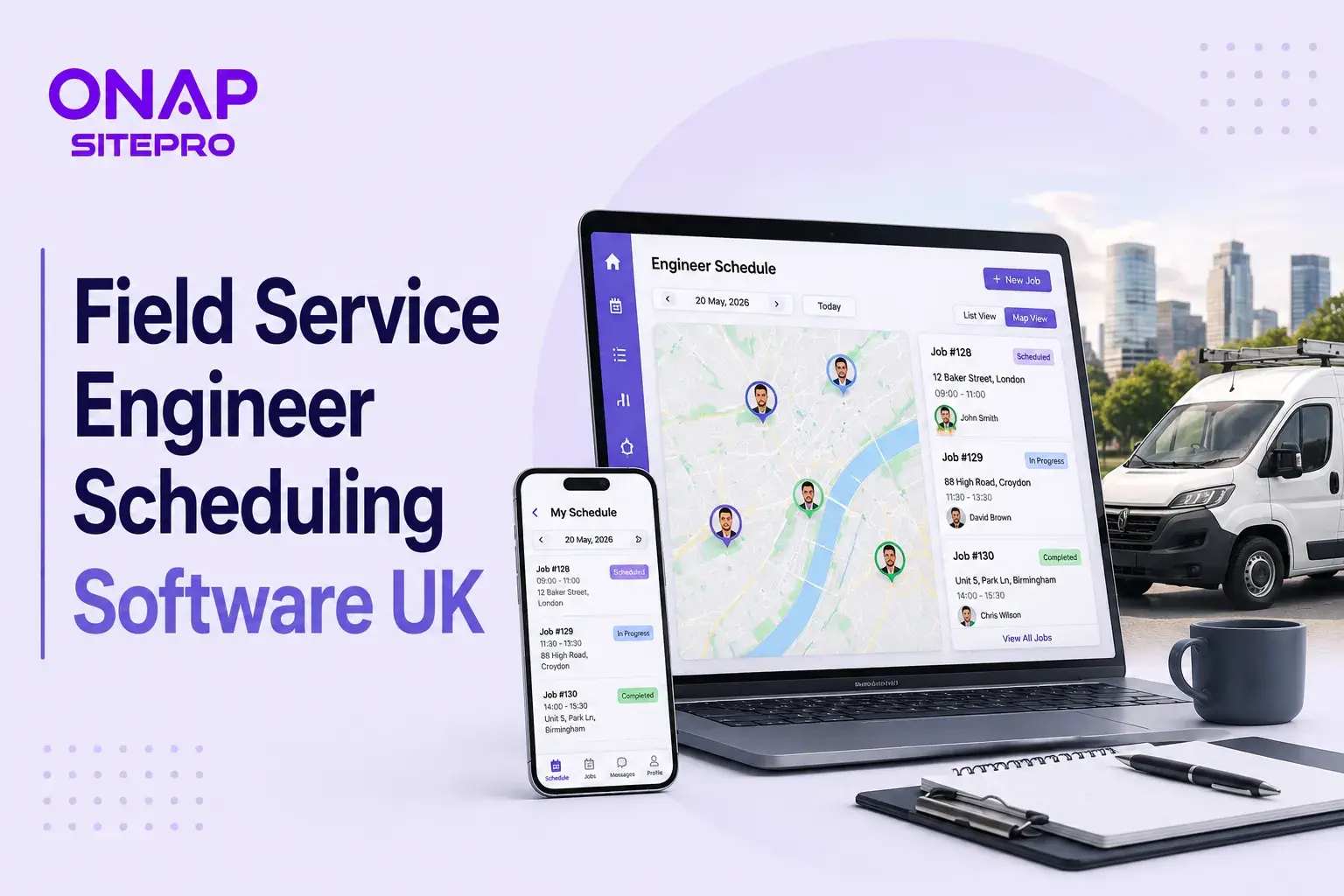
Field Service Engineer Scheduling Software UK: Free vs Paid Options Compared
Field service engineer scheduling software helps UK contractors assign jobs, manage availability, track engineers and keep customers updated. This guide compares free scheduling tools, spreadsheets and paid field service platforms, including their features, limitations, costs and suitability for growing teams.

Café vs Cloud Kitchen vs Dark Kitchen: Which Model Works Best for UK Food Businesses
Cafés, cloud kitchens and dark kitchens each suit different UK food businesses. This guide compares premises, staffing, startup costs, delivery economics, customer acquisition, technology, VAT and growth potential, helping operators choose the model that fits their menu, target market and available capital.